 Case Management
Case management that scales global verification
Centralize verification workflows with full case visibility, shared context across teams, and complete audit trails for every approval.
Trusted by global compliance leaders








Orchestrate verification with complete visibility.
See the full picture instantly
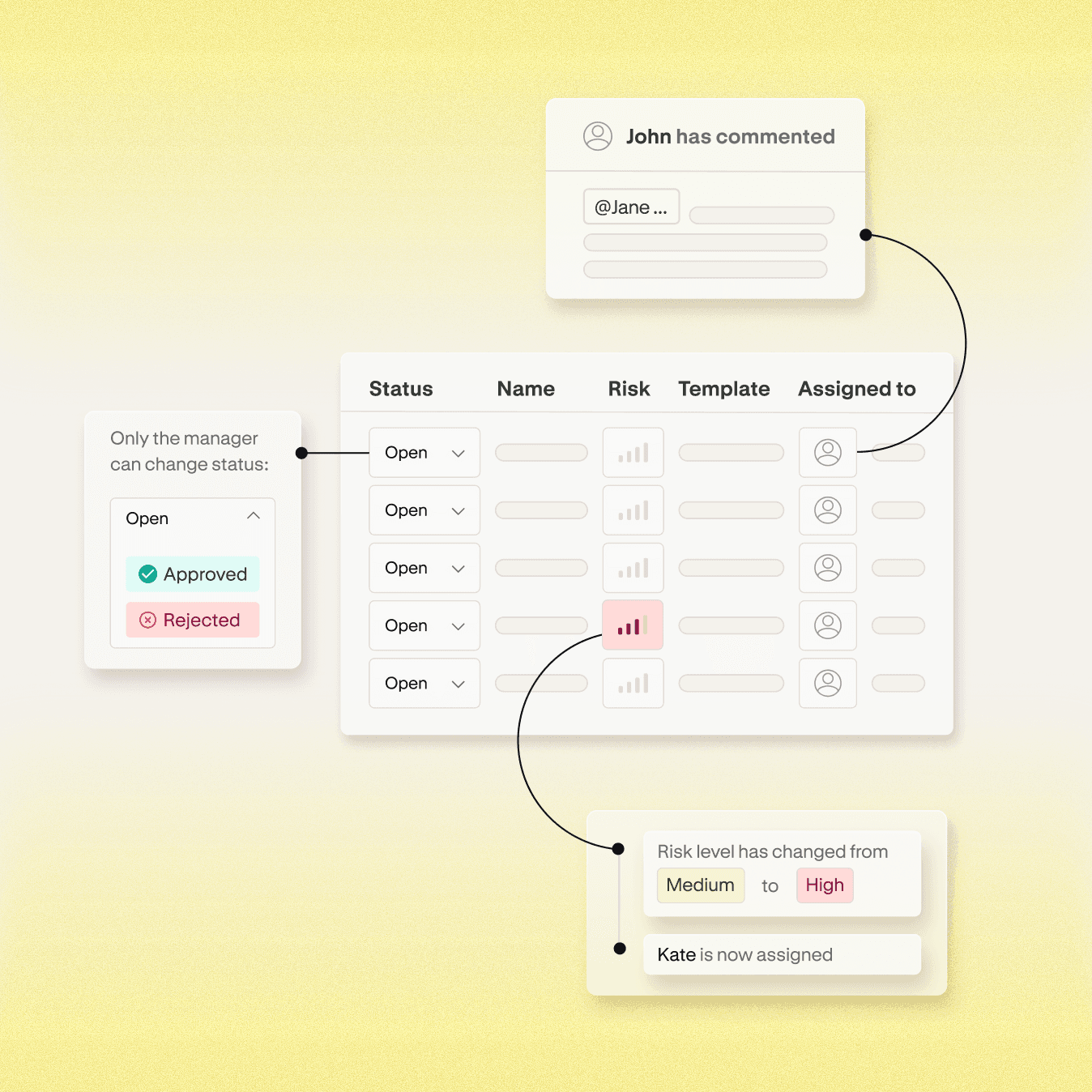
Custom views organize cases by risk, region, assignment, or any criteria that matters. Your team focuses on what needs action, not wading through noise.
Coordinate teams without confusion
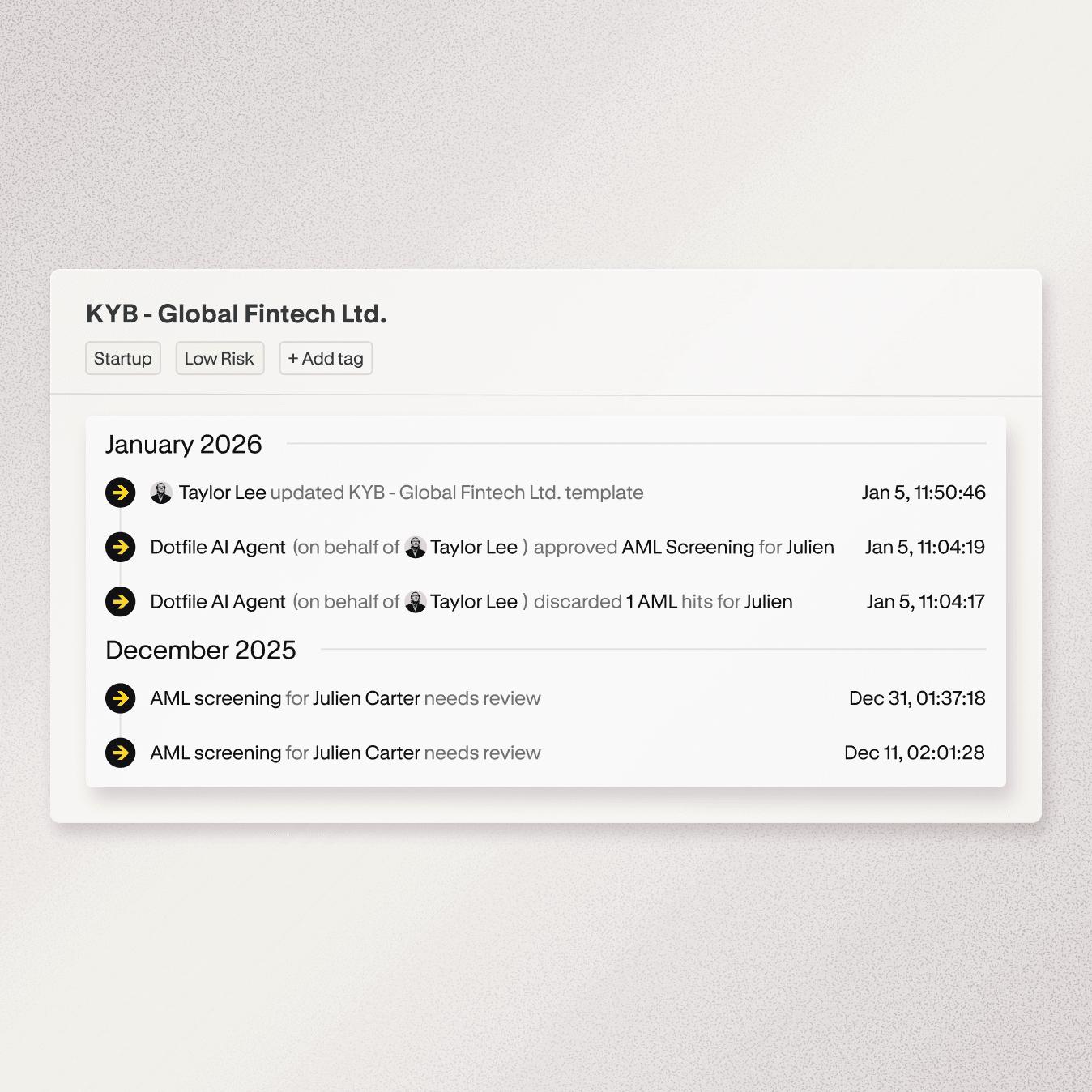
Case notes, assignments, and activity logs keep everyone aligned. When multiple analysts weigh in, the full context is there. No Slack threads, no lost emails.
Approve with controls that enforce policy
Built-in approval gates ensure every case meets compliance requirements before finalization. Manual or automated, every checkpoint is tracked and every override is logged.
From intake to approval in four steps

Intake and routing
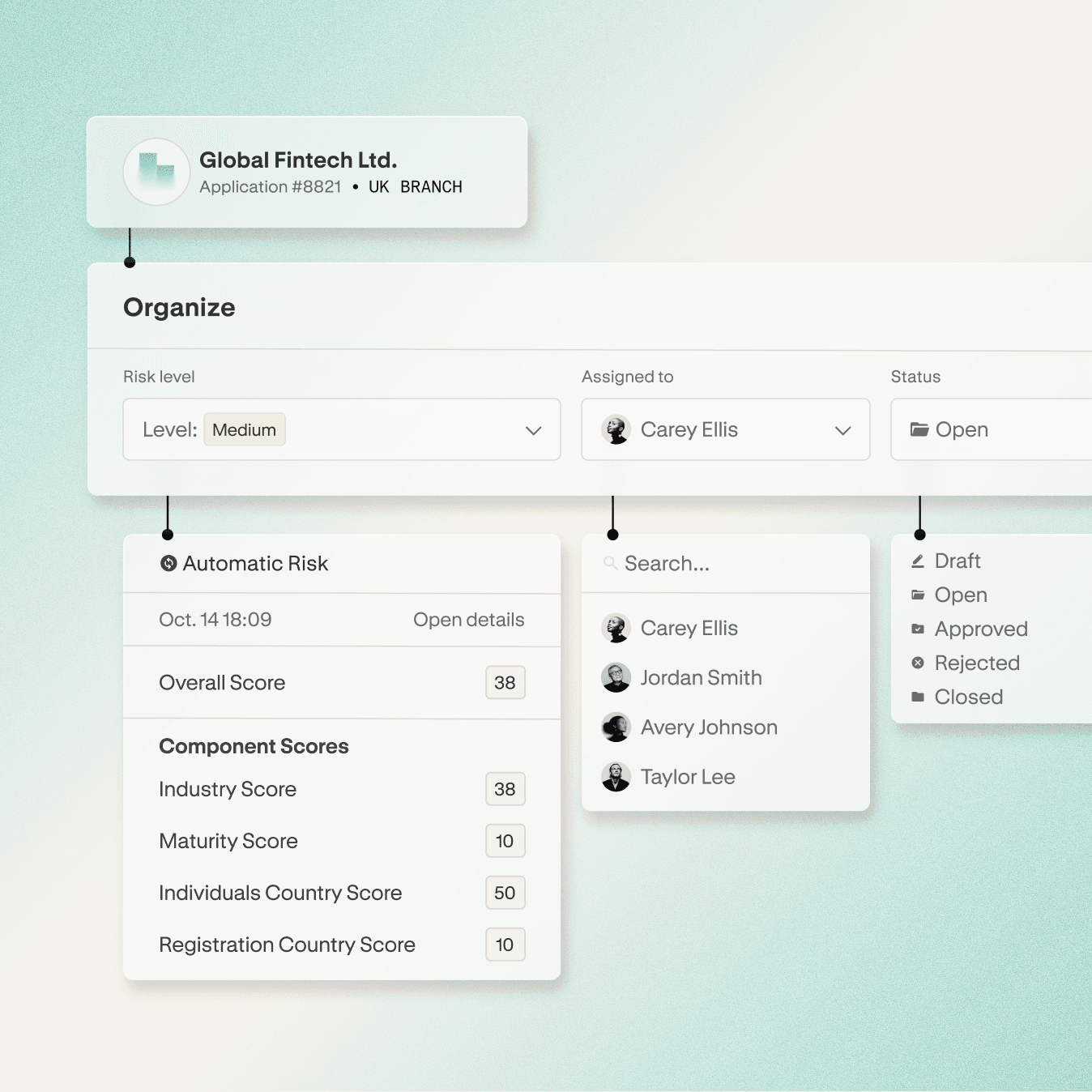
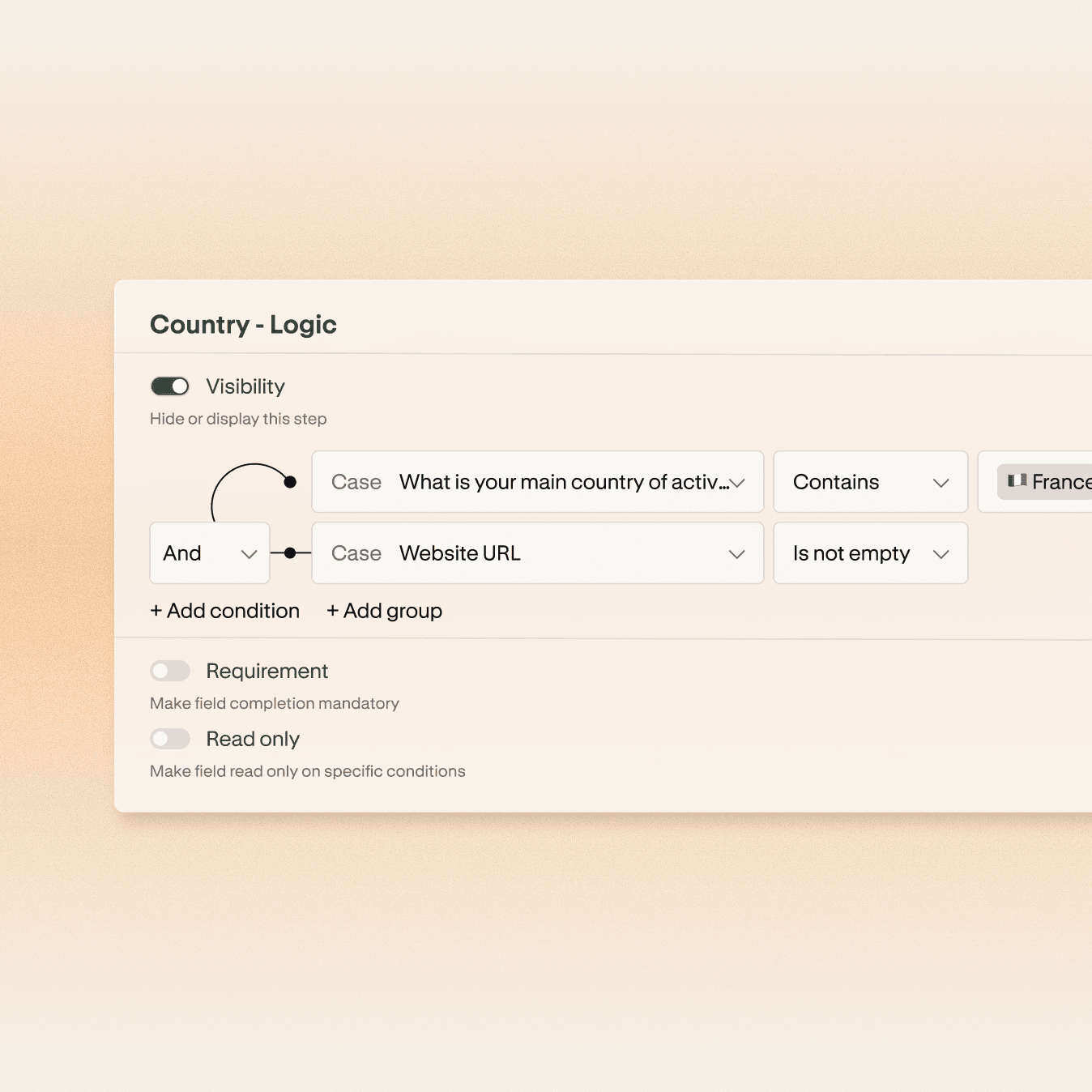
Cases arrive via API, client portal, or CSV import. Templates trigger the right checks automatically. Assignment rules route to the appropriate analyst based on risk, workload, or jurisdiction.

Investigation and collaboration
Analysts review checks, update ownership structures with the case graph, score risk, and coordinate through case notes. Activity logs capture every action: who did what, when, and why.

Approval and controls
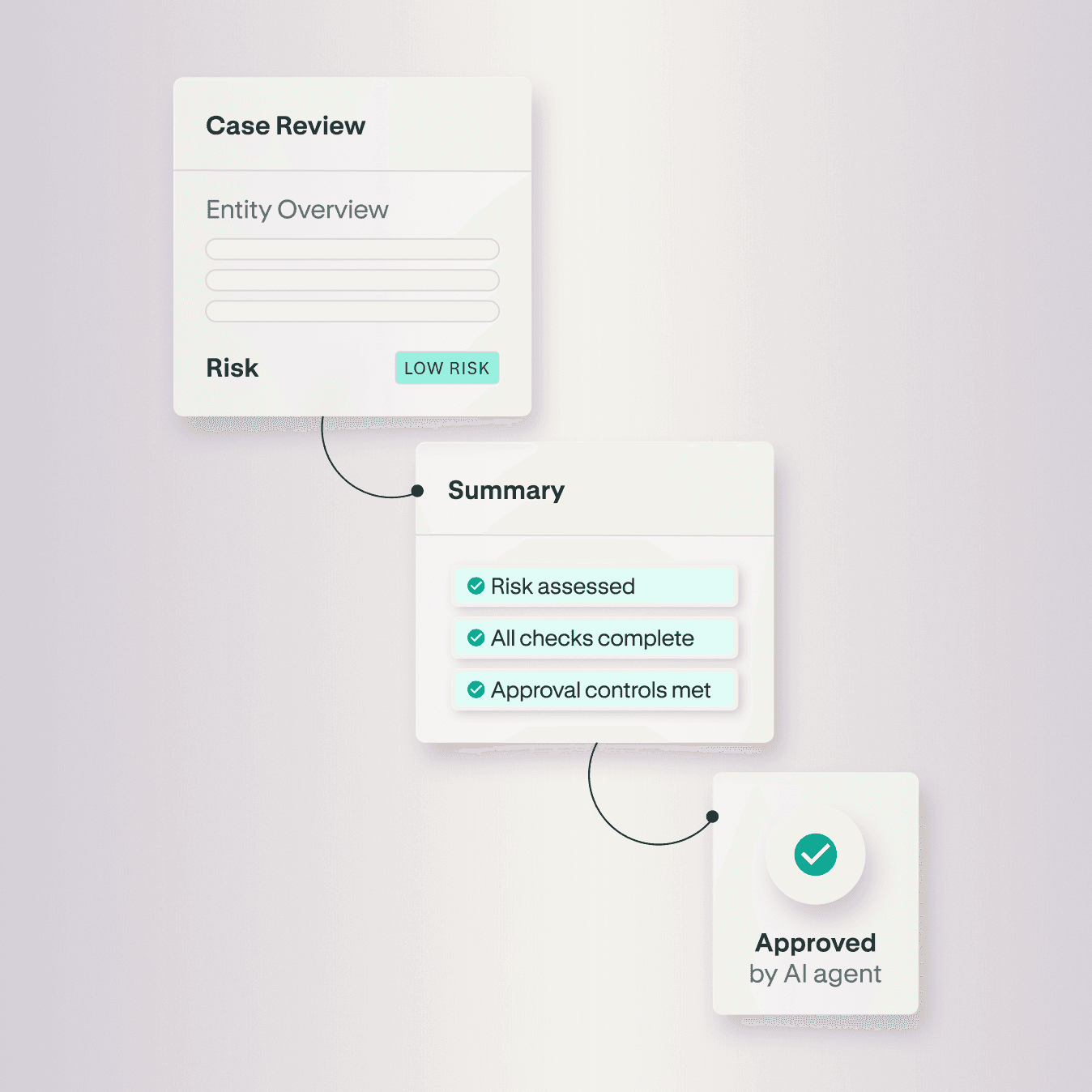
Cases can't be approved until all controls are met: risk assessed, UBOs identified, checks complete. Every approval decision includes commentary that becomes part of the permanent record.

Communication and documentation
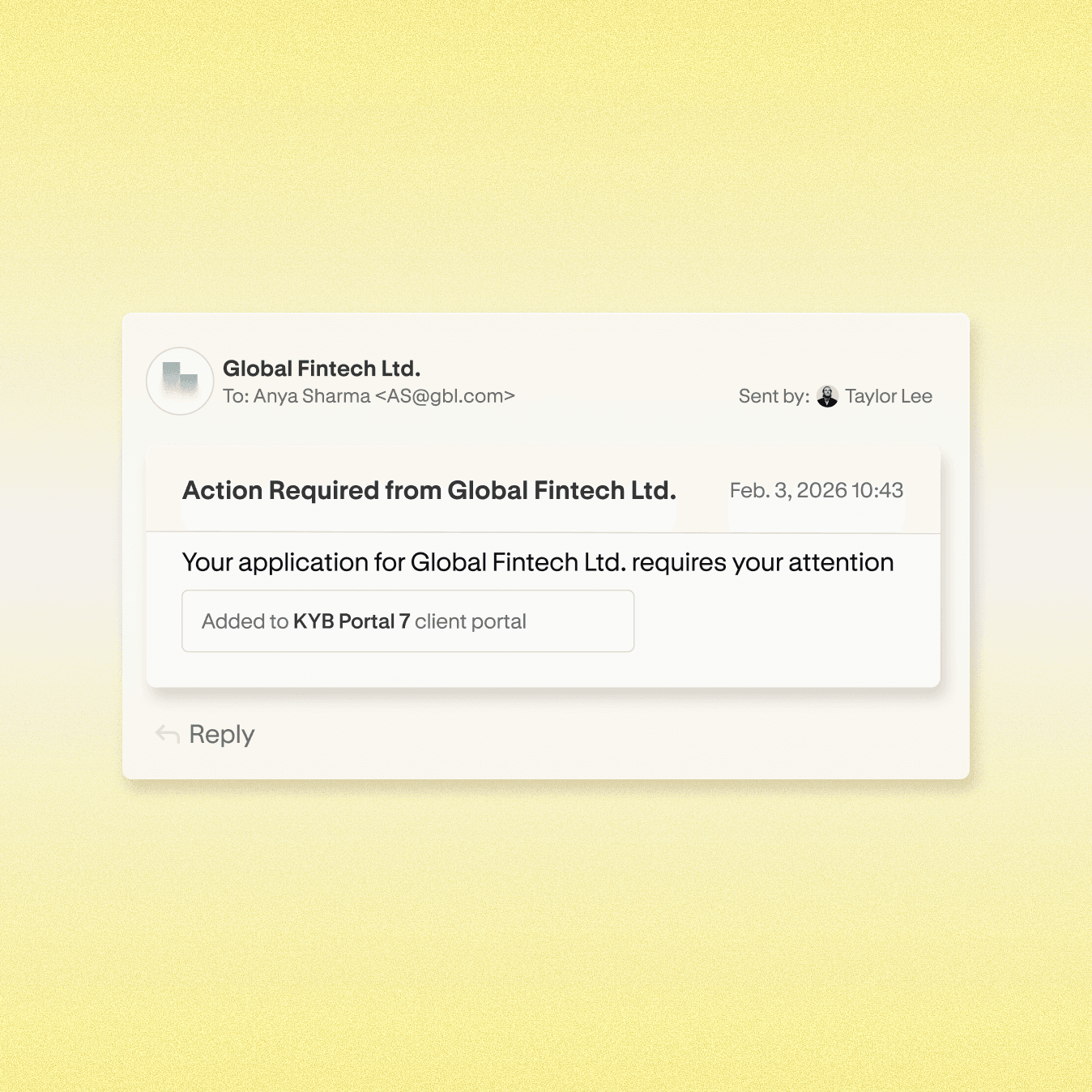
Notify clients when checks are rejected or additional information is needed. Generate PDF case reports with complete activity history for auditors. Export all documents in one click for local storage or regulatory submission.
Custom Views & Filtering
Templates & Conditional Logic
Dotfile Connector

Approval Flows & Controls
Communication Hub
Activity Logs & Audit Trails
Complex Ownership Structures
Visualize multi-tier corporate hierarchies with the case graph. Edit structures, validate ownership totals, and identify indirect beneficial owners, with full audit history for regulatory reporting.
Distributed Team Coordination
Auto-assign cases by risk level, geographic expertise, or workload balance, or route manually when a case needs a specific analyst. Team members are notified when cases require review, clients respond, or status changes. Case notes and activity logs keep everyone aligned, with a full record of who reviewed what.
Automated Approval at Scale
Define controls that enforce policy (risk assessed, checks approved, UBOs identified). Low-risk cases that meet all criteria auto-approve, freeing analysts to focus on complex investigations that need human judgment.
Regulatory Audit Preparedness
When regulators request case history, generate PDF reports with complete activity logs, check results, risk assessments, and approval reasoning. Every decision is timestamped, attributed, and documented. No scrambling to reconstruct what happened.
Client Remediation & Communication
Notify clients directly from the case when checks are rejected or documents are needed. Responses are logged automatically. Configure automated reminders for pending checks. Every communication becomes part of the audit trail.
Custom Views & Filtering
Complex Ownership Structures
Distributed Team Coordination
Automated Approval at Scale
Visualize multi-tier corporate hierarchies with the case graph. Edit structures, validate ownership totals, and identify indirect beneficial owners, with full audit history for regulatory reporting.
Auto-assign cases by risk level, geographic expertise, or workload balance, or route manually when a case needs a specific analyst. Team members are notified when cases require review, clients respond, or status changes. Case notes and activity logs keep everyone aligned, with a full record of who reviewed what.
Define controls that enforce policy (risk assessed, checks approved, UBOs identified). Low-risk cases that meet all criteria auto-approve, freeing analysts to focus on complex investigations that need human judgment.
Regulatory Audit Preparedness
Client Remediation & Communication
When regulators request case history, generate PDF reports with complete activity logs, check results, risk assessments, and approval reasoning. Every decision is timestamped, attributed, and documented. No scrambling to reconstruct what happened.
Notify clients directly from the case when checks are rejected or documents are needed. Responses are logged automatically. Configure automated reminders for pending checks. Every communication becomes part of the audit trail.
Give your team the clarity to move faster.
Centralize verification, coordinate teams, and create audit trails that hold up anywhere you operate.